
Flipkart Payment Reconciliation (Beta): Know If You Were Paid Correctly
- Compare what Flipkart paid with every order item of the month
- Identify delivered orders with no payment, and refunds taken back for returns that haven't reached you
- Check reverse shipping on RTO, charges on cancelled orders, and TCS and TDS rates
- See your net profit by master SKU after ads, storage, returns and costs
Beta. Flipkart reconciliation is in beta and may not be accurate. Flipkart changes its reports often and we have tested this on a few seller accounts so far. Check important amounts against Flipkart's own reports before you act on them.
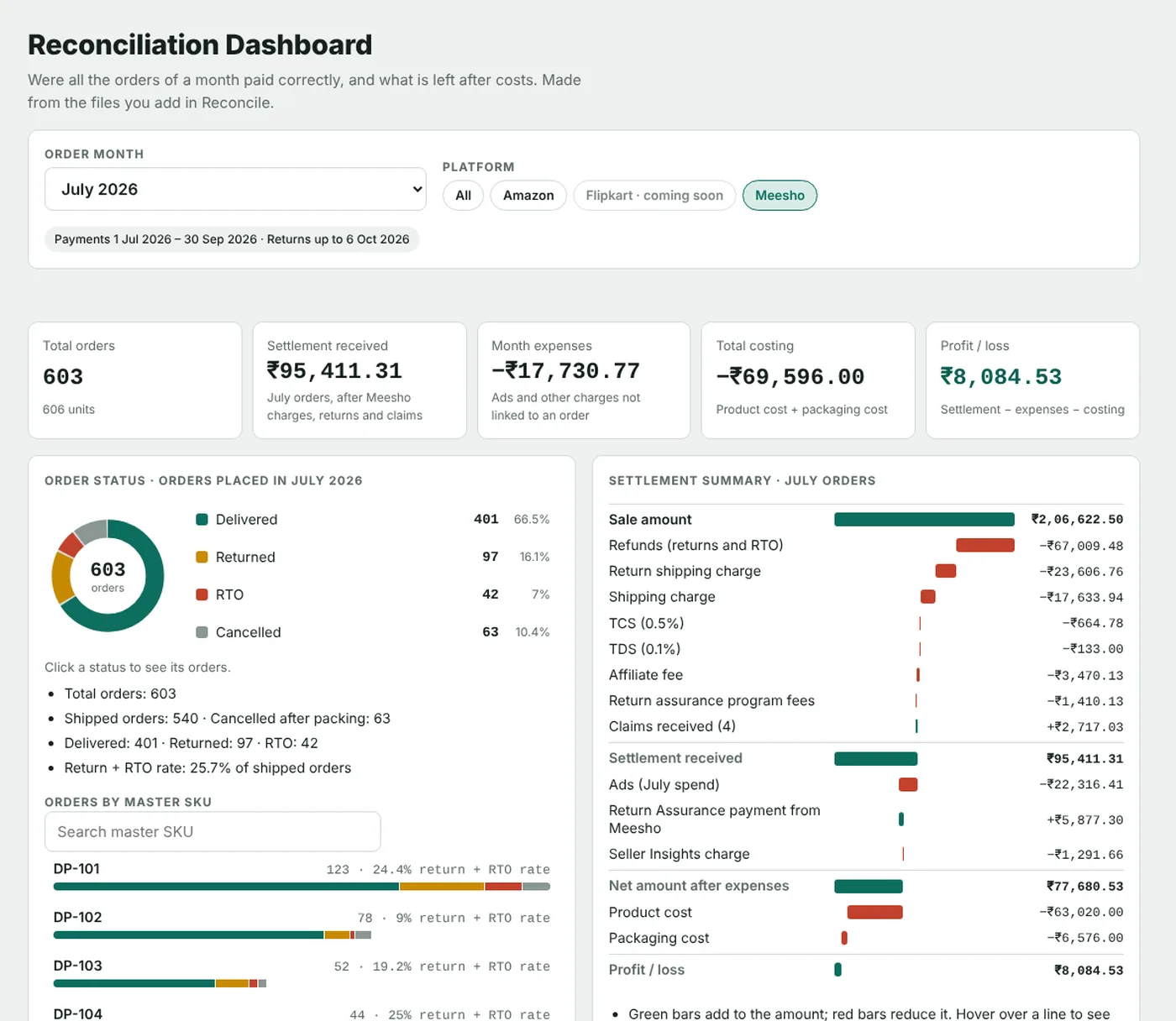
Screenshots with sample orders.
How it works
- Download Settled Transactions, Orders, Returns and Profit and Loss reports from Flipkart Seller Hub.
How to download the Flipkart reports - Add them to Reconciliation.
- See every order item that was paid less than expected.
Guides
Your reports stay on your device
Reports are read in your browser. Only the figures are saved to your account. See the privacy policy.
Also for Amazon and Meesho
Questions
Is Flipkart reconciliation ready?
It is in beta and may not be accurate yet. Check important amounts against Flipkart's own reports, and tell us if something looks wrong.
Which reports do I need?
Settled Transactions for the order month and the 2 months after, the Orders report and the Returns report. The Profit and Loss report is recommended: it has the month's ads, storage and recall fees.
Which plan includes Reconciliation?
The Premium plan and above. Premium is ₹999 for 180 days, including GST.
Can I try it first?
Yes. In the 7-day free trial you can reconcile one month of your choice. Every month needs the Premium plan or higher.
Is my data safe?
Yes. Your report files are never uploaded. Only the figures are saved, and only you can see them.
Ready for the full toolkit? Pay securely by UPI, card or netbanking.
Go Premium